You are visiting ValyData for Italy.

Italian territory, decoded.

Everything worth knowing about an area before you decide: average prices and market trends, services within walking distance, solar potential, exposure to floods and earthquakes.

Try it free, no sign-up · Every Italian address · results in seconds

Real estate report

Via Roma (2), Agrigento

Good

Above the Agrigento average

Easy to rent out, low natural hazard.

  • Eco & Retrofit81
  • Renting73
  • Climate & Health73
  • 15-min area47

Sources: Agenzia delle Entrate, ISTAT, ISPRA…Data as of 23/10/2026

Example reports with demonstration data

Data from Italian and European public bodies

  • ISTAT
  • Agenzia delle Entrate
  • ISPRA
  • INGV
  • Copernicus EU
  • EEA
  • Eurostat
  • Banca d'Italia
  • MEF
  • MASE
  • TERNA
  • GME
  • Ministero dell'Interno
  • ANPR
  • Ministero del Turismo
  • AGCOM
  • ACI
  • ICCU
  • INAIL
  • INPS

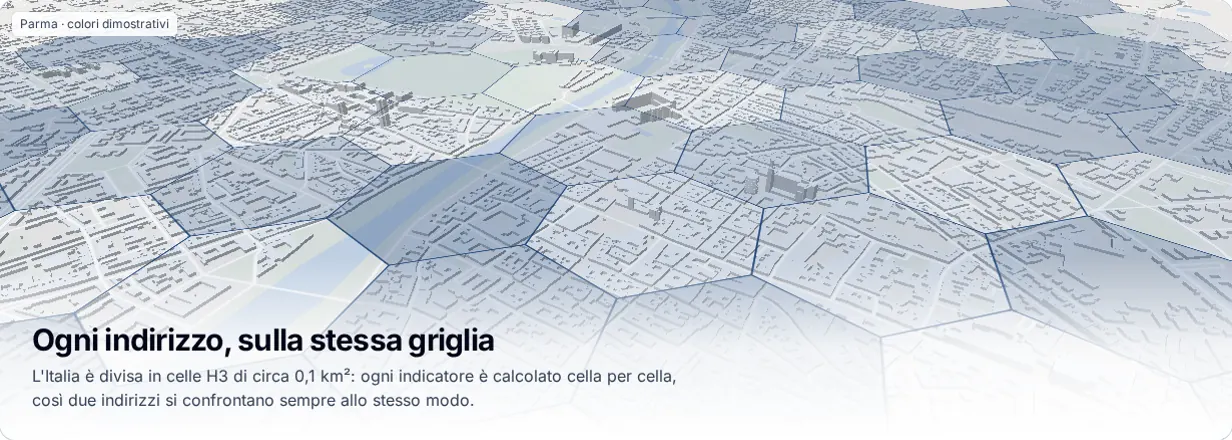
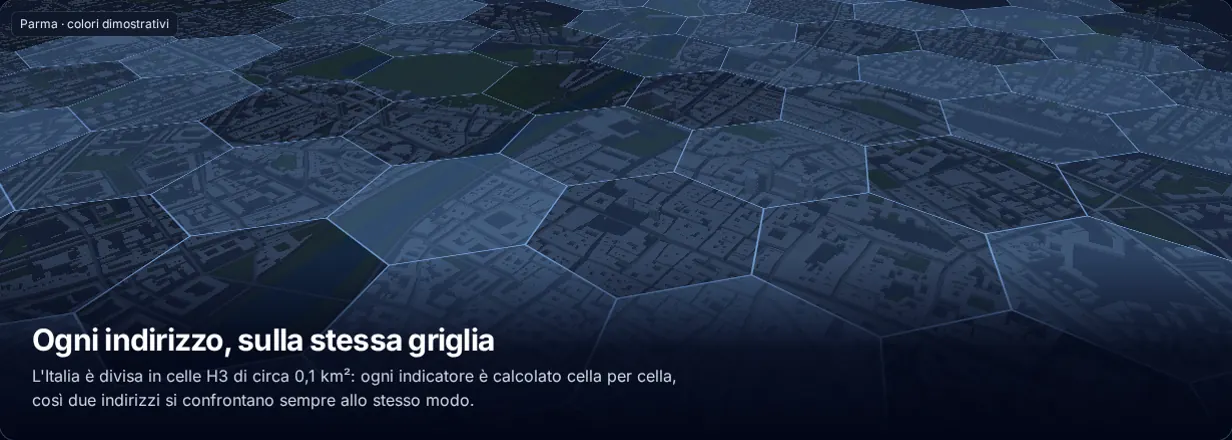
Every address, on the same grid

Italy is divided into H3 cells of about 0.1 km²: every indicator is computed cell by cell, so two addresses are always compared the same way.

Parma · illustrative colours

What it's used for

Three decisions where knowing an area well changes the outcome.

New home

Assess a neighbourhood before moving

You only know the area from a few visits and the listings.

With ValyData: services on foot, transport, noise, green space, natural hazards and average prices, compared with the rest of the municipality.

Example: two Bologna neighbourhoods compared theme by theme.

Solar

Find a suitable area for a solar farm

Finding suitable land takes weeks of checks on irradiance, grid and constraints.

With ValyData: irradiance, distance to the substation, slope and constraints in a single profile per area, with a list of candidate areas.

Example: areas in Puglia within 3.5 km of a substation, outside PAI constraints.

Insurance

Estimate an area's hazard exposure

Floods, earthquakes and landslides are assessed across different sources and formats, one address at a time.

With ValyData: flood hazard, seismic zone, landslides and climate projections in one hazard profile per address or area.

Example: a hazard profile for a list of addresses uploaded as CSV.

Type an address, read the area

No GIS software to learn and no layers to overlay: ValyData does the work on the sources.

  1. Search

    Choose what you care about, real estate, solar or hazards, and type any address in Italy.

  2. Read

    A score from 0 to 100, the comparison with the municipal average and the three things to know about the area.

  3. Verify

    Every number has a source, a date and a scope. The full analysis and the PDF are one click away.

What it analyses

Each vertical groups dozens of indicators into eight themes, each with a 0–100 score and the comparison with the municipal average.

Livability

Noise, air, green space and amenities: how pleasant daily life is there.

Renting

Rental demand, estimated yield, and the most likely tenant profile.

Investing

Price growth, construction activity and enterprise activity. Liquidity and renovation ROI are deferred.

Eco & Retrofit

Solar suitability, installed renewable infrastructure and radon safety. APE energy scoring is deferred.

Fiscal

Local property taxes: what it actually costs to own a home there.

15-min area

What's reachable on foot in 5, 10, or 15 minutes.

Transformation

Public investment and signs the area is transforming.

Climate & Health

Flood, seismic, radon and other environmental risk factors.

Four ways to search

Start from one address, two to compare, your own criteria or a whole list.

Single search

One address, one answer

A score, three things to know and every indicator for the area, in seconds.

Try the search

Comparison

Two addresses, one decision

The same methodology for both, with differences highlighted theme by theme and row by row.

Try the comparison

Search by criteria

Start from criteria, not addresses

Prices, services, natural hazards, irradiance: set the thresholds that matter to you and ValyData finds and ranks the areas that meet them.

Open in the console

Portfolios

One list, one consistent view

Upload a CSV of addresses: the same analyses on every row, comparable and exportable results.

Open in the console

With an account, every tool for working with the territory

The console uses the same sources and methodology as the report, with tools to explore, filter, compare, monitor and export.

Open the console

Interactive map

Indicators on the H3 grid, address search, areas drawn by hand or imported from a file.

Filters and rankings

Set thresholds on indicators, find the cells that meet them and rank the best areas.

Comparison

Up to five points or areas side by side, same methodology, differences row by row.

Saved searches and alerts

Save areas and searches: get an email or webhook alert when an indicator changes with new data.

PDF reports

With your team's logo, expiring share links and a comparison with the previous analysis.

CSV and GeoJSON exports

Every export carries source, licence, release date and data completeness.

API and webhooks

Keys with scopes and expiry, events when processing finishes and when a report is created.

Team and usage

Members and roles, plan usage and billing in one workspace.

The console requires an account: it is not available anonymously.

A simple report for people who decide. A full analysis for people who work with data.

For buyers, sellers and renters

Understand the area before making an offer

  • What are average prices in the area and how have they moved?
  • How much rental demand is there in the neighbourhood?
  • Are there natural hazards or missing services to check?
Analyse an address

For professionals and companies

Agents, investors, banks, insurers, energy

  • Full analysis and exportEvery indicator with source, scope, weight and date. PDF and CSV.
  • Every search modeComparison, search by criteria and portfolios on the same data.
  • APIScores and indicators in your own systems: see the API section below.
Talk to us

The same indicators, in your systems

Every account can generate its own API keys and call the endpoints for scores, constraints and indicators: ready for CRMs, GIS tools or internal workflows.

  • The same methodology and sources as the report
  • Keys managed from your account
  • JSON responses with source and date for every indicator
Ask for API access
POST /api/v1/analysis/property-due-diligence/reportJSON · excerpt
{
  "profileCode": "property-due-diligence",
  "countryCode": "IT",
  "score": {
    "indicator": "real_estate_score",
    "value": 82
  },
  "blocks": [
    {
      "type": "score-summary",
      "scoreIndicator": "real_estate_score",
      "value": 82
    },
    ...
  ],
  ...
}

Pricing

Start for free. Plans for the full analysis, the console and integrations are still being defined.

Summary

Free

To get a feel for an area.

  • The report summary for any Italian address
  • Real estate only
  • No sign-up
Analyse an address

Report

Price being defined

For deciding on one address.

  • The full analysis for every vertical, with source and date
  • Checking a price against the area
  • The report as a PDF
Ask for details

Pro

Price being defined

For people who work with territorial data.

  • The console: map, filters, rankings and comparison
  • Saved searches and alerts
  • CSV and GeoJSON exports
Ask for details

Business

Price being defined

For teams and integrations.

  • API and webhooks
  • Teams, roles and reports with your logo
  • Analysis across address portfolios
Ask for details

Prices and terms of the paid plans are still being defined. Write to us for the current terms.

Verifiable, not a black box

A source and a date for every number

Every indicator names the body that publishes it and when it was last updated.

Scope always stated

You know whether a figure refers to the exact address, the market zone or the municipality.

Public methodology

Score weights and thresholds are documented and versioned.

ValyData describes the territory with statistical estimates from public sources. It does not replace a technical survey or legal due diligence.

Frequently asked questions

All of Italy: you can analyse any address. Each indicator states its own scope, from the exact address to the market zone or the municipality, and each one's coverage is shown in the report.

Try an address you know

Working with many addresses or want to integrate the data? Tell us your use case.

Write to us

A question about the report, access to the console or a project for your team: we reply to everyone.

Writing as